How do I register for camp?
As of 2026, we have switched to a new registry system for all programs on UltraCamp (except for WAMP 2026).
Registration is completed through UltraCamp, our secure online system designed to make signing up as smooth as possible for families.
Learn more about logging on and setting up your UltraCamp account with the button below
Once your account is set up and you are logged in, you can follow these images to register
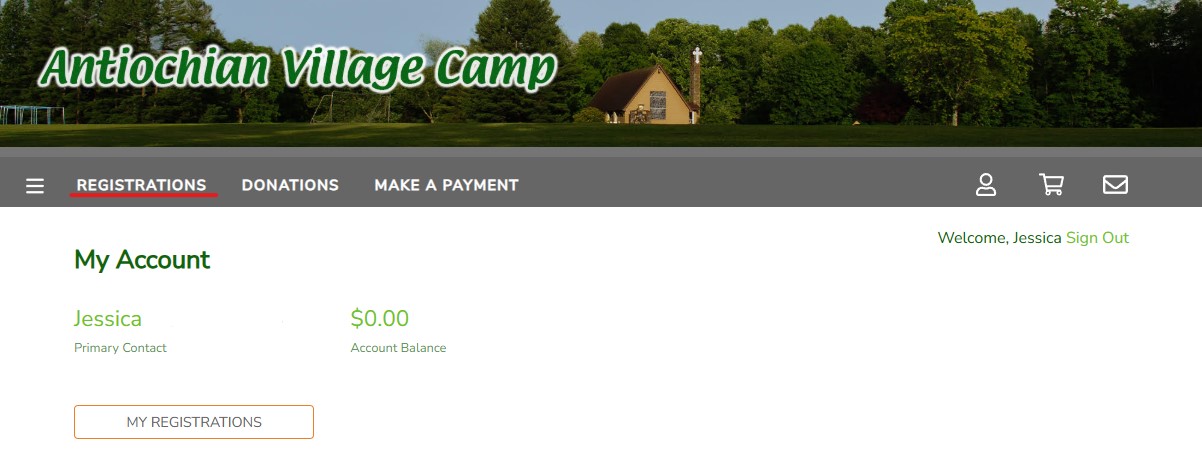
1. On the homepage, click “REGISTRATIONS”
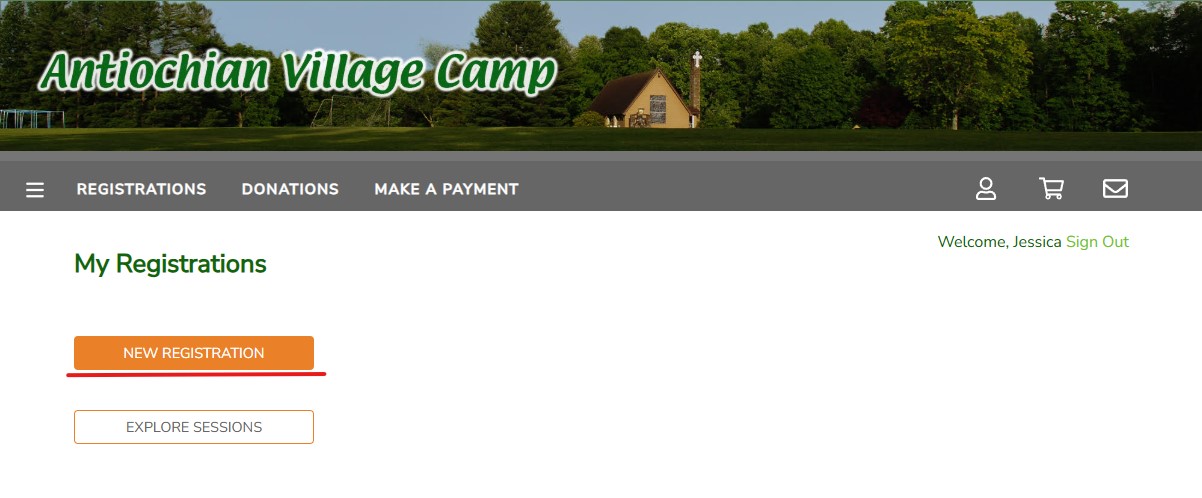
2. Click on “NEW REGISTRATION”
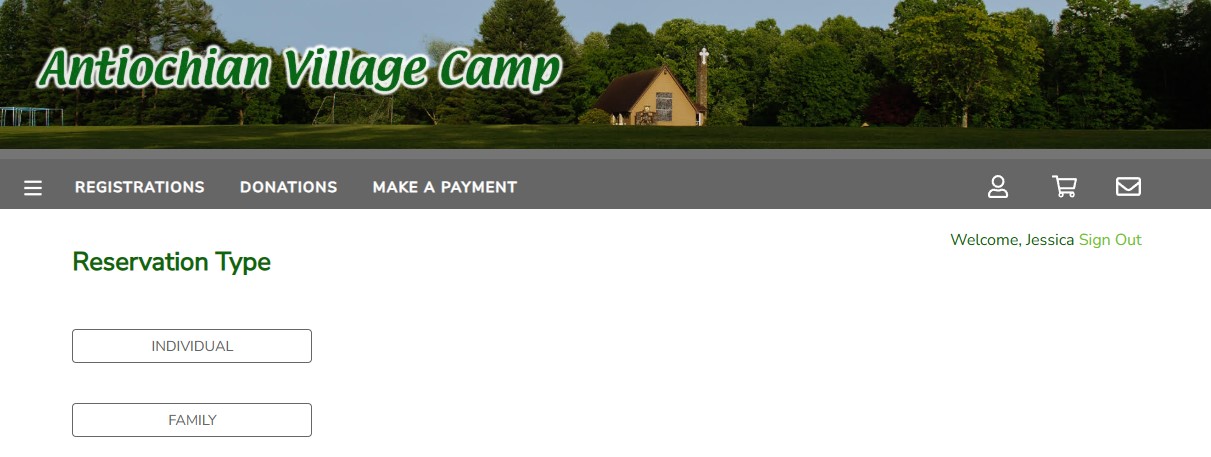
3. Select your reservation type (Hint: You will select “INDIVIDUAL” for most camp programs)
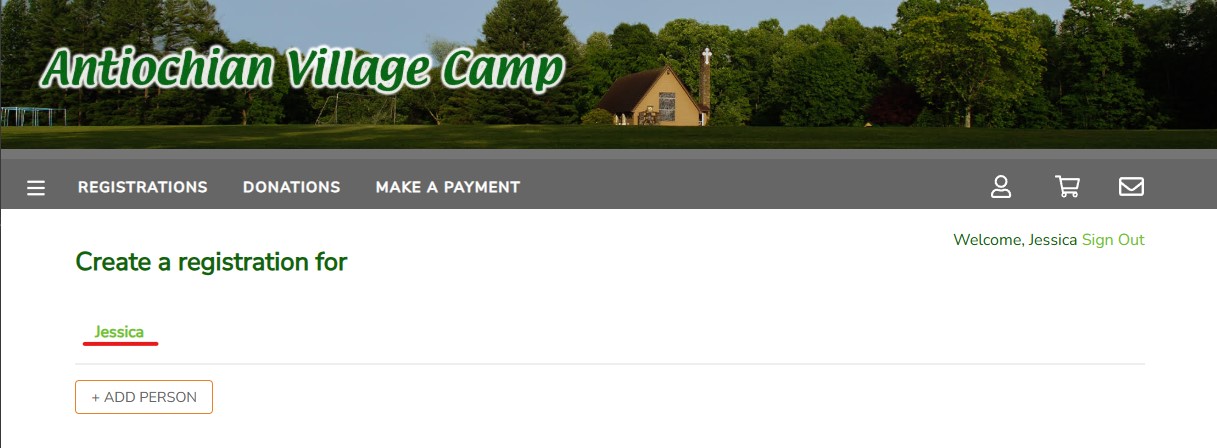
4. Select the person in your family who you would like to sign up for camp (if you are registering multiple children to camp, pick one for now and continue with the next steps)
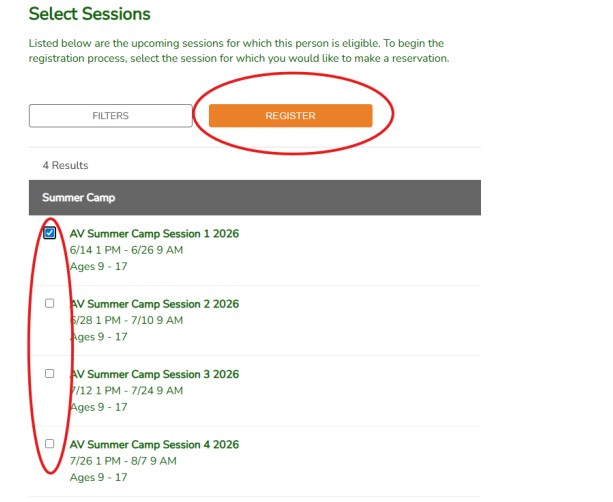
5. Select which program/session and then click “REGISTER”
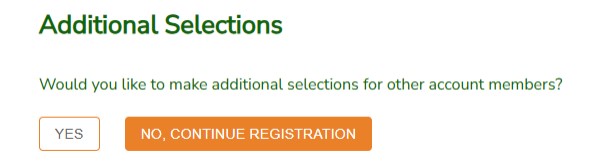
6. You will be asked “Do you want to make an additional selection for other account members?” If you are registering multiple children from your family, please select “YES.” If you are only registering one child, select “No, Continue Registration.”
7. You will now begin the registration process, and a 15-minute hold will be held for you to complete the registration. You must complete the process including payment to confirm your child’s spot. (Note: The 15-minute hold is an idle hold, meaning if you close your laptop or leave the screen on without completing the registration, you have 15 minutes or you will be put at the back of the line for registration)